
Run these quick checks before changing app data
First identify whether the failure affects one song, one artist, all streaming, only downloads, lyrics or account synchronization. A narrow failure often has a narrow cause. If one track is unavailable, try another known public track. If every screen is empty, test YouTube Music in a normal browser on the same network.
Metrolist's README warns that it cannot work normally where YouTube Music is unavailable. A browser test also reveals regional blocks, family or school filters, DNS problems and account-level restrictions that an APK reinstall cannot solve.
- Open Android Settings and note the installed Metrolist version.
- Compare it with the current verified release shown on the Metrolist APK page.
- Test two different songs and one artist page.
- Open YouTube Music in a browser on the same Wi-Fi connection.
- Switch once between Wi-Fi and mobile data if your plan allows it.
- Force-stop Metrolist, reopen it and test before changing anything else.
Metrolist music not playing
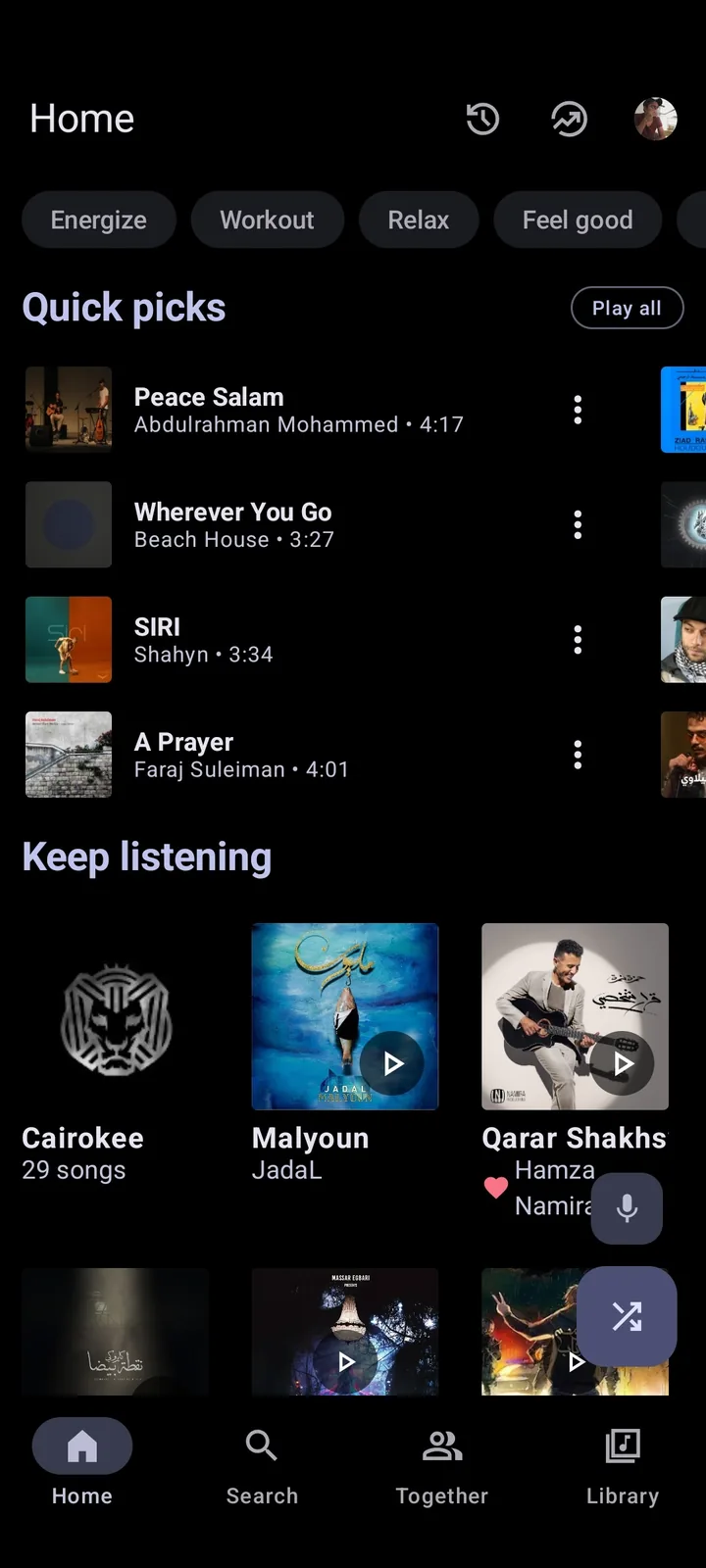
A spinner, instant skip or silent player can be caused by an outdated extractor, unavailable media, network interception, audio routing or battery restrictions. Update first because YouTube-side changes often require a client fix. Then remove variables one at a time rather than enabling several speculative settings.
Turn off VPN, private DNS, ad blocking and HTTPS inspection for one controlled test. If your region lacks YouTube Music, the opposite may be required: the project states that a VPN or proxy to a supported region may be necessary. Do not use a random free VPN with account credentials; it adds another party able to observe network traffic.
If the progress bar moves but you hear nothing, inspect Android media volume, Bluetooth output, wired devices and per-app audio controls. Disable tempo, pitch, equalizer and audio normalization temporarily. A device-specific audio effect can fail even when streaming itself works.
- Try another track to rule out a single unavailable upload.
- Update Metrolist before changing account settings.
- Test with VPN, private DNS and ad blockers disabled where regional access is not the issue.
- Check the selected Bluetooth or Cast output.
- Remove battery optimization for Metrolist if background playback stops after the screen turns off.
- Restart the phone after system audio or WebView updates.
Metrolist does not load artists, names or playlists
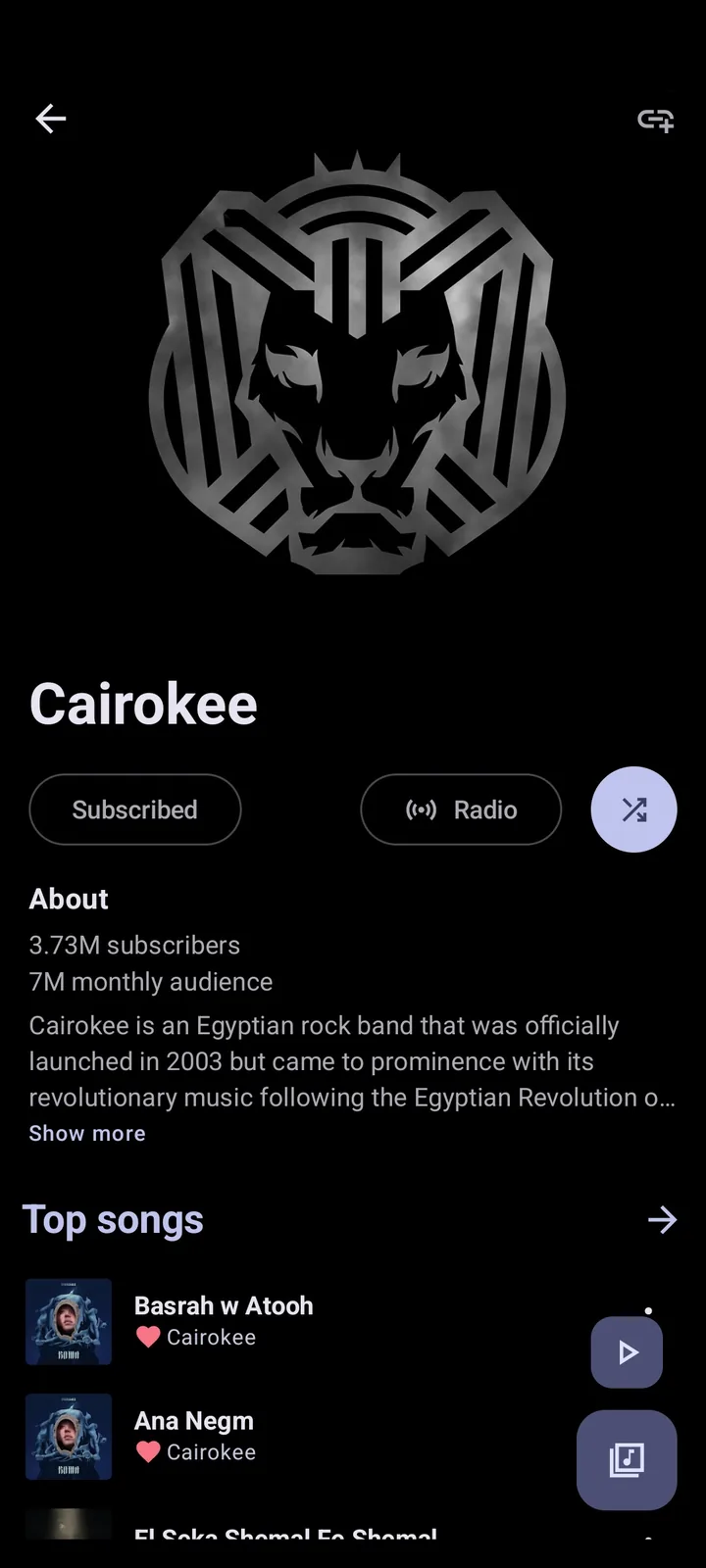
Artist names and playlist contents are fetched from upstream services and may be affected by account synchronization, cached responses or API changes. Pull to refresh where the screen supports it, then test the same artist while signed out if possible. If anonymous browsing works but the account view fails, the session or synchronized library state is the stronger suspect.
Clear cache from Android Settings before clearing app storage. Cache removal discards temporary files; storage removal resets the application and can remove local configuration or playlists. Back up anything important before a destructive reset. Also confirm automatic date and time are enabled, because authentication and HTTPS connections can fail on a device with a badly incorrect clock.
- Force-stop Metrolist and clear cache only.
- Enable automatic date, time and time zone.
- Sign out and sign back in only after checking that local playlists are backed up.
- Test the same artist or playlist on a browser to identify upstream content changes.
- Remove and re-add a failing playlist only when a backup or original link exists.
Login, token and synchronization problems
Do not copy account tokens from forum posts or send your token to someone offering remote help. A token represents an authenticated session. If login loops, synchronization stops or an account suddenly disappears, update the app, verify Android System WebView and Chrome are current, and check whether Google's account security page shows a blocked or expired session.
Sign out only after preserving local data. Then revoke the questionable session from Google account security, restart the phone and sign in through the verified app. Users who repeatedly encounter account issues can test basic playback without login to determine whether the problem is authentication-specific.
- Never publish tokens in GitHub issues or Reddit screenshots.
- Update Android System WebView and the default browser.
- Use the phone's automatic clock.
- Review active Google sessions and revoke unfamiliar access.
- Avoid unofficial PC wrappers that request a raw token.
Lyrics provider errors or missing synchronized lyrics
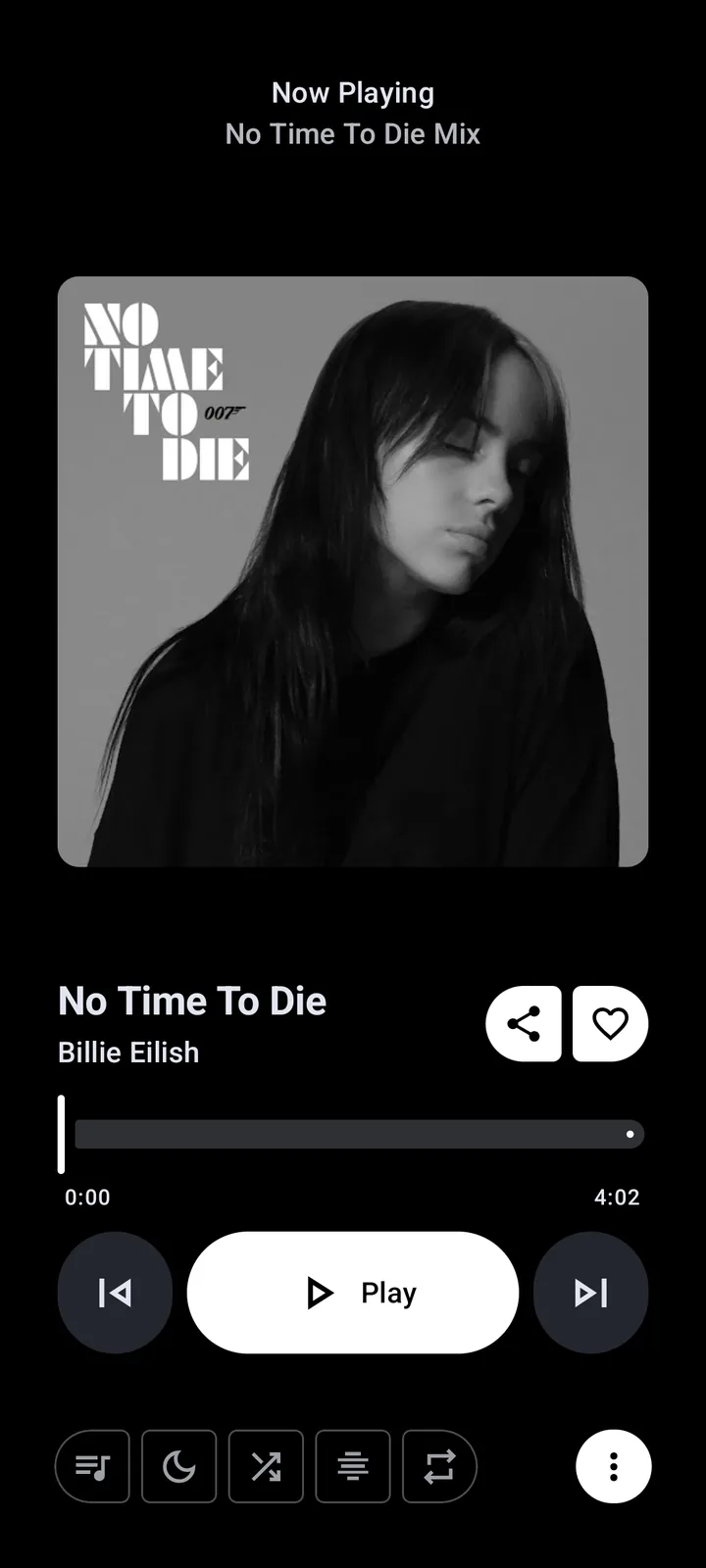
Lyrics are a separate data path from audio playback. If music plays but lyrics are missing, the provider may have no matching entry, the song metadata may differ, or a provider may be temporarily unavailable. Try another well-known track before treating the whole app as broken.
A title containing featured artists, punctuation, a remaster year or a translated name can prevent a match. If the app lets you search or reload providers, use the original song and artist names. Provider-specific reports such as Paxsenix missing or a reload failure belong in a reproducible project issue only after you confirm the current version and include non-sensitive song details.
For provider-specific checks, read the Metrolist lyrics guide before resetting storage.
Offline downloads disappeared or will not play
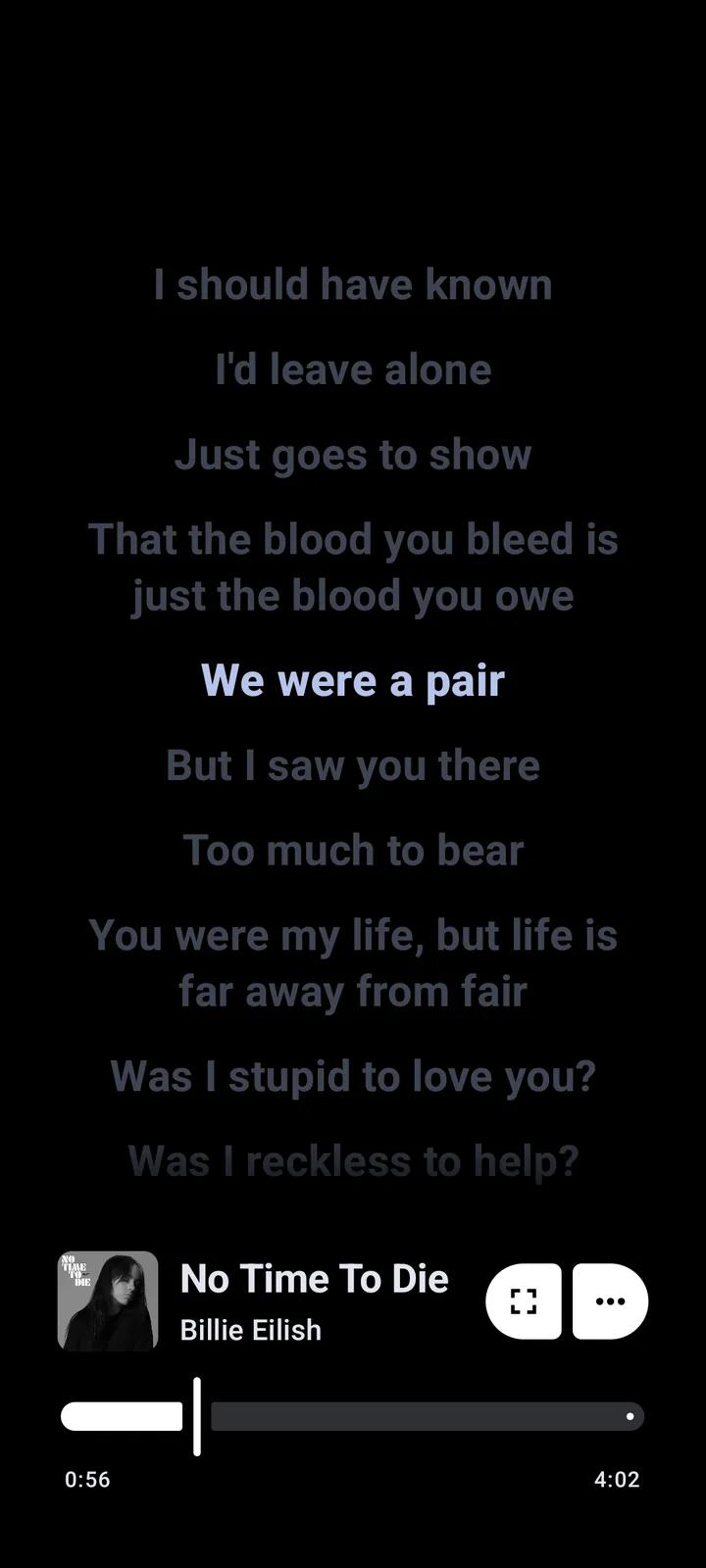
Offline data can be affected by Android storage cleanup, app storage reset, an incomplete download, changed media availability or moving between build signatures. Confirm the file finished downloading and keep enough free storage. Do not clear app storage as a routine fix when offline media matters.
Android's battery and storage managers may remove cached data or pause background tasks. Exclude Metrolist from aggressive battery controls during a test and keep the app open until a download completes. If files vanished after installing an unofficial Mod or differently signed build, return to a verified build; signature conflicts may require uninstalling, which can remove local data.
When to reinstall or report a bug
Reinstall only after version, region, network, cache and account checks fail. Record the Android version, device model, Metrolist version, selected build, exact error and whether the problem occurs signed out. Back up playlists and settings first. Download the replacement from the verified project release, not a random old-version portal.
A useful GitHub issue describes one reproducible problem without account tokens, copyrighted downloads or unrelated logs. Search existing issues first because an upstream YouTube change may affect many users at once. Read the Metrolist GitHub guide for repository links and build details.
| Symptom | Likely area | First action |
|---|---|---|
| Every song spins or skips | Version, region or network | Update and test YouTube Music in browser. |
| Player moves but no sound | Android audio route | Check volume, Bluetooth, Cast and audio effects. |
| Only lyrics are missing | Lyrics matching/provider | Try a known track and original metadata. |
| Only account library fails | Session or sync | Back up, review session and sign in again. |
| Background playback stops | Battery optimization | Allow background activity for Metrolist. |
| Offline files vanished | Storage reset or cleanup | Stop clearing data and inspect Android storage management. |
Record what is working when Metrolist is not working
When Metrolist is not working, write down what is still working after every test. A home feed that is working while one artist page fails points to content metadata; a player that is working on mobile data but not Wi-Fi points to the network; downloads that are working in the foreground but stop with the screen off point to battery controls. This working-versus-failing comparison gives maintainers evidence and prevents repeated resets.
Build a baseline with one public track, one artist page and one unsigned-in session. If those are working, add the account, lyrics provider, audio effects and offline files one at a time. The first step that stops working identifies the likely boundary. If nothing is working, return to version, region and network checks instead of changing several feature settings.
A temporary upstream outage can leave Metrolist not working even when the phone and APK are healthy. Check current GitHub reports, wait for a confirmed service incident to clear and avoid repeated login attempts. Once playback is working again, note which change actually fixed it so the same ordered check can be reused.
Confirm the working result
After a fix, confirm that Metrolist is not working no longer describes the same test: replay the failing track, reopen the affected artist or playlist and repeat the action on the original network. Then test one unrelated song. If Metrolist is not working only for the original item, document a content-specific failure instead of resetting the app.
If Metrolist is not working again after a restart, the earlier change treated a symptom rather than the cause. Restore one setting at a time and note when playback stops working. A fix is complete only when the app remains working through a normal listening session without exposing account data or deleting needed offline files.
Metrolist not working: match the symptom before resetting data
Use a small diagnosis matrix before changing app data. The first test should isolate whether the failure is global, content-specific, account-specific or caused by background restrictions.
This keeps the protection page focused on ordered troubleshooting: update and test the least destructive explanation before clearing storage or reinstalling.
| Symptom | Fast comparison | Next action |
|---|---|---|
| Every track fails | Browser on the same network | Check release, region and network |
| One track fails | Try another public track | Treat it as content-specific |
| Music plays but lyrics fail | Try a known song | Check metadata or lyrics provider |
| Playback stops with screen off | Repeat while charging | Review battery/background limits |
Metrolist troubleshooting FAQ
Why is Metrolist not playing any music?
Update the app, verify YouTube Music works in your region and browser, test another network, then disable filtering or VPN for one test where regional access is not required.
Why does Metrolist keep loading?
A stale build, upstream change, network filter, expired session or region restriction can cause continuous loading. Clear cache before considering a data reset.
Should I clear Metrolist storage?
Only after backing up local playlists and settings. Clearing storage is destructive and should come after non-destructive checks.
Why are artist names missing?
Upstream metadata, cache, account sync or API changes can affect names. Compare the same artist signed out and in a browser.
Why are lyrics unavailable?
Lyrics providers may not match the exact title or artist, or may be temporarily unavailable. Test another track and use original metadata.
Is Metrolist dead?
The project says it is in maintenance mode but is not dead. Maintenance mode focuses on fixes and minor improvements.
What should I test first when Metrolist is not working?
Test another public track and YouTube Music in a browser on the same network, then check the verified version. Clear cache before storage and back up playlists before reinstalling.