
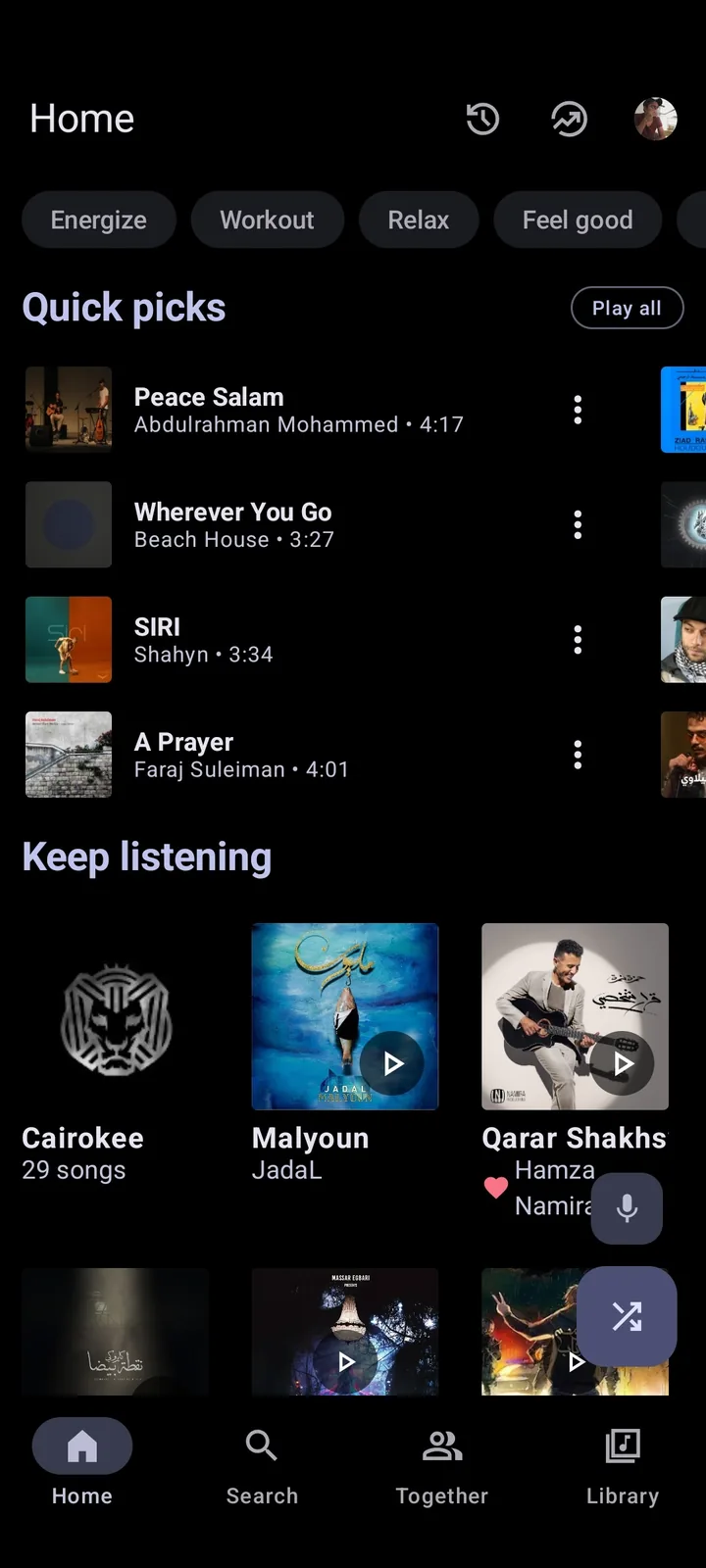
How to choose a Metrolist alternative
Start with platform. Metrolist officially targets Android 8.0 or later. If you need Windows, macOS, iPhone or a browser, another Android APK will not solve the problem. Next decide whether open source is essential, whether the app must use YouTube Music, and whether you need account synchronization or only local files.
Reliability and control pull in opposite directions. First-party services generally provide broader platform coverage and predictable authentication, but include subscription and data-model trade-offs. Independent clients expose source and add interface features, but can break after upstream changes. Local players avoid streaming-service dependency but require you to own and manage audio files.
| Need | Best starting point |
|---|---|
| Closest open-source Android client | OpenTune or OuterTune |
| Official web and iPhone access | YouTube Music |
| Cross-platform commercial streaming | Spotify |
| Older Android support | OpenTune, subject to current release requirements |
| Only local files | A dedicated local music player |
| PC use of actual Metrolist | Android emulator, with overhead and compatibility limits |
1. OpenTune: the closest broad Android alternative
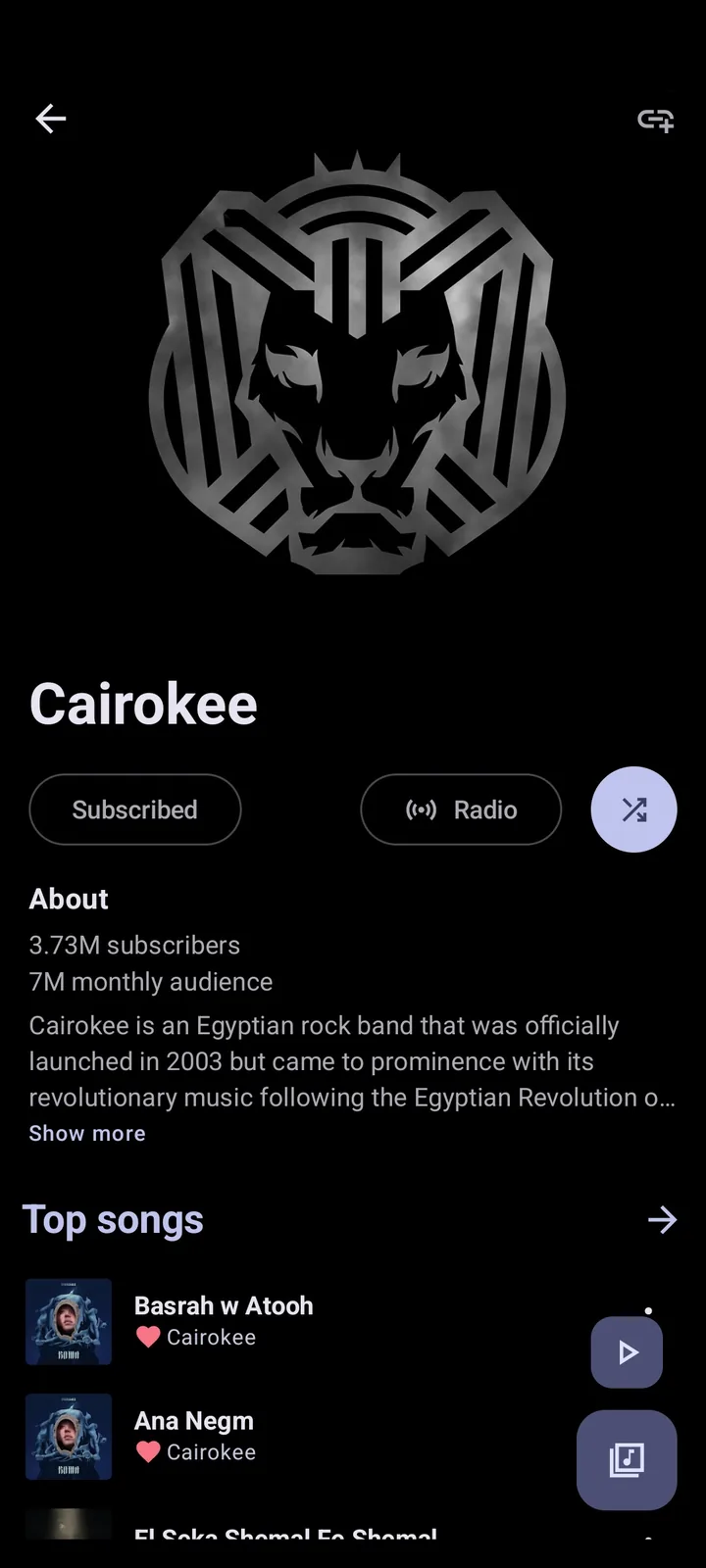
OpenTune is a GPL-licensed Material 3 YouTube Music client for Android. Its project documents ad-free playback, background play, offline downloads, synchronized lyrics, account integration, audio controls, Android Auto and Android 6.0+ support. That older minimum Android version is useful when a device cannot install current Metrolist.
Choose OpenTune when Android Auto, older device support or its documented distribution channels matter. Choose Metrolist when its Cast build, listen-together, music recognition, lyrics translation or theme options are a stronger fit. Read the full Metrolist vs OpenTune comparison.
2. OuterTune: another established open-source Android direction
OuterTune is a known open-source Android music client in the same broader ecosystem of YouTube Music-focused projects. It is useful for users who want a different maintenance path or interface philosophy while staying with an inspectable Android codebase.
Check its current repository, minimum Android version, releases and login behavior before migrating. Do not install an APK simply because a forum calls it a Metrolist replacement. Confirm the project owner and release asset, then test a small playlist before moving downloads or relying on account synchronization.
3. YouTube Music: best for official support and web access
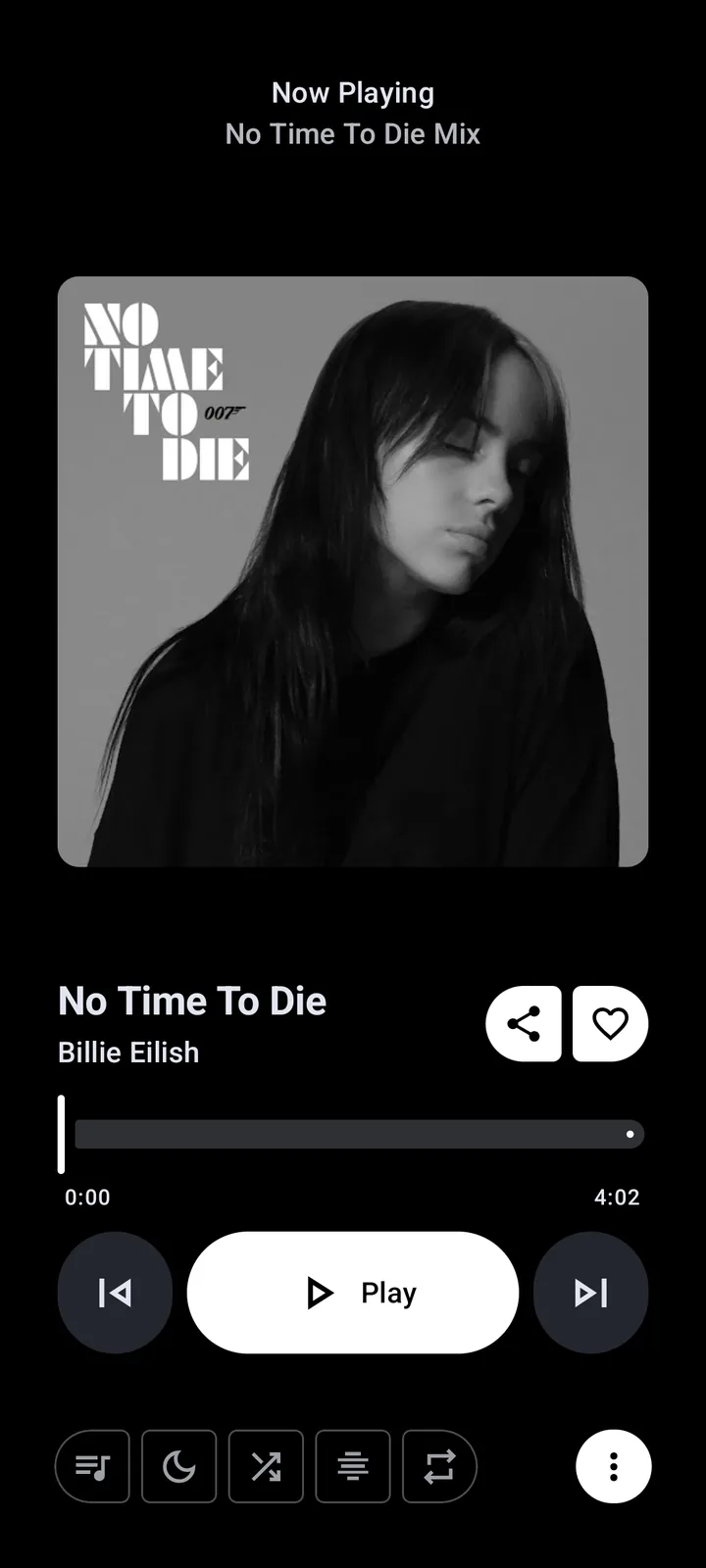
The official YouTube Music app and website are the practical answer for users who need iPhone, iPad, browser and broad device support. Account integration is first-party, and Google controls the authentication and playback stack. The trade-offs include a closed-source client, advertising on free access and subscription requirements for some premium features.
Choose it when platform reach and service reliability are more important than APK customization. It is also the reference destination for checking whether a playlist really exists in your account. See Metrolist vs YouTube Music for a feature-by-feature comparison.
4. Spotify: best for a mature cross-platform ecosystem
Spotify provides official apps for Android, iPhone, Windows, macOS, consoles and web browsers. Its catalog, social features, recommendations and device handoff are attractive when consistent multi-device use matters more than open source. Free and paid tiers have different advertising and offline behavior.
Spotify is not a drop-in YouTube Music client. Catalog versions and playlist identifiers differ. If you move a playlist, use a controlled transfer and review matches. The Spotify to Metrolist guide explains the reverse path through YouTube Music.
5. A local music player: best for owned files and privacy
A dedicated local player is the right alternative when the real goal is to play MP3, FLAC, OGG or other files already stored on the device. Local players can offer folder browsing, tag editing, replay gain, equalizers and offline reliability without depending on YouTube Music availability.
They do not automatically provide Metrolist's online search, recommendations or account playlists. You are responsible for storage, backups and lawful music acquisition. Avoid apps marketed as unrestricted YouTube downloaders when you only need a clean local library.

6. Browser music services: best Metrolist alternative for PC
There is no official Metrolist Windows or macOS build. On a PC, a browser service is usually more efficient than running an Android emulator. YouTube Music web preserves the closest account relationship; Spotify web offers its own catalog and playlists. Both can be installed as browser shortcuts, but neither becomes Metrolist.
Use an emulator only when you specifically need to test the actual Android Metrolist app. Our Metrolist for PC guide covers the limitations and fake installer warnings.
7. Keep Metrolist and add a fallback
An alternative does not have to replace Metrolist immediately. Keeping an official browser service as a fallback can reduce disruption when an upstream change temporarily breaks an independent client. Back up playlist names and track lists, avoid duplicating large offline libraries and keep each app's update source documented.
Before switching because Metrolist stopped working, update to v13.6.3 and follow the troubleshooting checklist. A region or network problem can affect several YouTube Music clients at once, so installing a similar APK may reproduce the same failure.
| Alternative | Platform strength | Open source | Best for |
|---|---|---|---|
| OpenTune | Android, including older versions | Yes | Closest feature-category alternative |
| OuterTune | Android | Yes | Different open-source maintenance path |
| YouTube Music | Android, iOS, web | No | Official support and account compatibility |
| Spotify | Mobile, desktop, web | No | Cross-platform commercial ecosystem |
| Local player | Depends on chosen app | Varies | Owned files and reliable offline playback |
| Android emulator | Windows/macOS host | Emulator varies | Running the actual Metrolist APK on PC |
Evaluate Metrolist alternatives before migrating
Evaluate Metrolist alternatives with a small acceptance checklist before migrating. Confirm the supported Android or desktop version, official download source, account method, playlist import path, offline storage behavior and current release activity. Then play the same sample playlist for several days. Useful Metrolist alternatives should solve the reason you are switching without creating a larger platform, privacy or maintenance problem.
Keep two categories in mind: streaming alternatives preserve online discovery but still depend on a service, while local-player alternatives trade discovery for file ownership and predictable offline access. The best choice may be one app from each category rather than a single replacement. Document where each app comes from and avoid giving several experimental clients access to a primary account at the same time.
Rank Metrolist alternatives by non-negotiable needs first, then convenience. An iPhone user should eliminate Android-only clients before comparing themes. An older-phone user should verify the minimum Android version before importing playlists. A privacy-focused user should inspect account access and network dependence before judging interface polish. This order makes the shortlist smaller and the final test more meaningful.
Build a shortlist of Metrolist alternatives
Start with three alternatives, not every app mentioned in a forum. Remove alternatives that do not support your device or required account workflow. For the remaining alternatives, verify the official project, latest release and minimum Android version before installation. This first pass prevents attractive screenshots from outweighing basic compatibility.
Next, compare the alternatives with the same playlist and headphones. Strong alternatives should handle search, queue edits, background playback and network recovery consistently. Offline-focused alternatives should also preserve downloaded or owned files after a restart. Record results instead of relying on memory, especially when alternatives use similar Material interfaces.
Finally, choose between the best alternatives based on maintenance burden. Official-service alternatives usually simplify account support, while open-source alternatives offer more inspection and control. Local-player alternatives remove streaming dependence but require file management. Keeping one fallback among these alternatives can be more resilient than forcing one app to meet every need.
Choose Metrolist alternatives by platform and maintenance
The phrase “apps like Metrolist” covers different jobs. Keep Android open-source clients in one group, official cross-platform services in another and local players in a third; then test the group that matches the reason you are switching.
For a Metrolist alternative for PC, the realistic choices are YouTube Music in a browser or the actual Android APK inside an emulator. A direct OpenTune, OuterTune or YouTube Music comparison belongs to its existing comparison page.
| Need | Best starting point |
|---|---|
| Open-source Android client | OpenTune or OuterTune |
| PC or iPhone access | YouTube Music or Spotify |
| Owned files and offline control | Local music player |
| Actual Metrolist on PC | Android emulator with the official APK |
Metrolist alternatives FAQ
What is the closest app to Metrolist?
OpenTune and OuterTune are close open-source Android categories because they also focus on YouTube Music content.
What is the best Metrolist alternative for PC?
Use YouTube Music or Spotify in a browser for a native desktop workflow. Use an Android emulator only to run the actual APK.
What works on iPhone?
The official YouTube Music and Spotify apps support iPhone. Metrolist, OpenTune and similar APK projects target Android.
Which alternative works on Android 6 or 7?
OpenTune currently documents Android 6.0+ support; verify the requirement again before installing the latest release.
Can I move Metrolist playlists to another app?
Export or synchronization options vary. Keep a track list backup and expect catalog matching when moving between services.
Should I download a Metrolist Mod as an alternative?
No. Metrolist is already free and open-source. A Mod APK is an unofficial repack, not a safer alternative.
Does Metrolist have an alternative for PC?
There is no single official Metrolist desktop replacement. Use YouTube Music or Spotify in a browser for a lighter PC workflow, or an Android emulator only when you need the actual APK.