
Why the official Metrolist APK has useful trust signals
Metrolist's main repository is public under the GNU GPL v3 license. Visitors can inspect source code, build configuration, issue history, release tags and named assets. Release v13.6.3 publishes a standard APK, a Google Cast build and an IzzyOnDroid-compliant build. The project configuration identifies the base application ID as com.metrolist.music and the minimum Android version as API 26.
These signals make verification easier than it is for a closed APK from an anonymous download page. They do not prove that every line is bug-free or that a downloaded file has never been replaced. The practical benefit is traceability: you can follow the download to the project organization, match the release tag and avoid a mirror that changed the package.
- Public source repository and GPL-3.0 license.
- Versioned GitHub releases with named APK assets.
- Known package name and documented build variants.
- Public issue and commit history.
- IzzyOnDroid distribution option for users who prefer a repository workflow.
How to verify a Metrolist download
Start with the link rather than the filename. A file called Metrolist.apk can be renamed by anyone. A stronger chain is this site to GitHub, then the MetrolistGroup/Metrolist repository and its release asset. Inspect the browser address before continuing and do not accept redirects to an unrelated file host.
Android may show an “unknown apps” warning because GitHub APK installation is sideloading. That warning describes the delivery method, not a malware verdict. Limit the permission to the browser or file manager you used, install the file, then disable the permission if you do not need it.
- Confirm the repository owner is MetrolistGroup and the repository is Metrolist.
- Confirm the release tag and displayed version are v13.6.3 or a newer version verified at the time you read the page.
- Choose one of the documented filenames: Metrolist.apk, Metrolist-with-Google-Cast.apk or Metrolist-izzy.apk.
- Reject files described as Mod, Premium unlocked, cracked or patched.
- After installation, check that Android reports package com.metrolist.music when your package inspector exposes it.
- Keep Play Protect or your chosen mobile security controls enabled.
Standard, Cast and Izzy builds have different trust surfaces
The standard FOSS build includes the project's updater but not Google Cast. The GMS flavor adds Google Cast libraries. The Izzy flavor has no Google Cast and disables the in-app updater to meet its repository rules. None of those differences makes one build universally safest; they change dependencies and update behavior.
Most people should use the standard build. Choose the Cast version only when casting matters, and use the Izzy build when you want updates controlled by IzzyOnDroid. Mixing build sources can create update or signature conflicts, so keep a note of where the installed APK came from.
| Build | Updater | Google Cast | Security consideration |
|---|---|---|---|
| Standard | Included | No | Fewer Google dependencies; updates can be checked in app. |
| Google Cast | Included | Yes | Adds Google Play Cast libraries and a larger dependency surface. |
| Izzy | Disabled | No | Updates are managed through the repository workflow. |
YouTube Music login, tokens and privacy
Metrolist can work with a YouTube Music account to synchronize songs, artists, albums and playlists. That capability requires account session information to exist in the app on your Android device. Treat any login token like a password: do not paste it into random websites, Discord messages, unofficial PC wrappers or troubleshooting forms.
An open-source client is still a third-party client. Google can change authentication behavior, revoke sessions or apply account rules. Use an account risk level you are comfortable with, review active Google sessions and revoke access if a device is lost or behaves unexpectedly. Users who do not need synchronization can begin without signing in and test basic playback first.
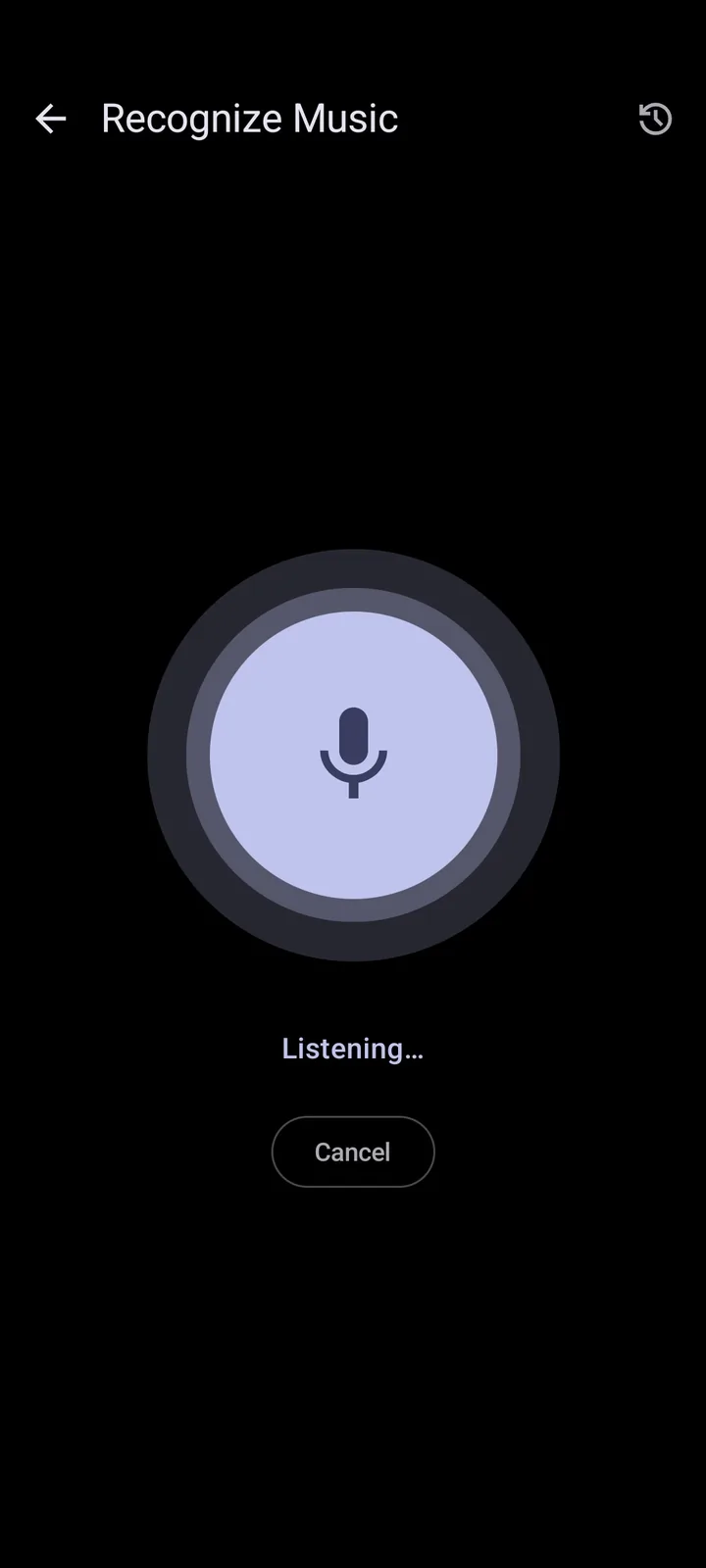
Metrolist also connects to online services needed for music data, lyrics and recognition features. Network requests are inherent to a streaming client. Privacy-conscious users should review the code and project documentation, use Android's permission controls and avoid granting microphone access unless they intentionally use recognition.
- Never share a login token in public issue reports.
- Use device encryption and a screen lock.
- Review microphone, notification and storage permissions when Android asks.
- Revoke account sessions after losing a phone or testing an untrusted build.
- Do not assume an unofficial mirror follows the project's privacy behavior.
Safety does not guarantee reliability or regional access
Metrolist relies on YouTube Music behavior that can change without notice. A playback error, missing artist or login failure is not automatically evidence of malware. It may be an upstream change, expired session, region restriction, network filter or stale app version. The project's README warns that the client will not work normally where YouTube Music is unavailable unless the connection reaches a supported region.
The project is in maintenance mode, meaning maintainers prioritize fixes and minor improvements instead of major features. That status should influence expectations but does not mean the app is abandoned. Check recent releases and repository activity rather than relying on old Reddit comments. If playback fails, follow the Metrolist not working guide before deleting data or changing account credentials.
When is Metrolist safe enough for your account?
Asking whether Metrolist is safe has two separate parts: whether the APK is authentic and whether your account use matches your risk tolerance. A verified source and public code can support file trust, but they cannot make a shared token safe or remove Google's rules for third-party clients. The safest trial is a verified standard build, no login at first, only expected Android permissions and a few public tracks. If that works, decide separately whether library sync is worth placing a session on that device.
Keep Metrolist safe over time by updating from the same trusted channel, reviewing release changes and removing old APK installers from shared storage. A safe installation can become a poor choice if the phone no longer receives Android security updates, a mirror replaces the file, or an account token is exposed. If you cannot verify the source or explain a permission request, stop rather than accepting it. That rule is more useful than treating any app as permanently safe.
Is Metrolist safe on a secondary phone? It can be a lower-risk test environment when that phone is still patched, has a screen lock and does not contain sensitive sessions. Is Metrolist safe with a primary Google account? No reviewer can make that decision for every user. Use the verified build, protect tokens and choose the least account access needed for your listening workflow.
A safe installation checkpoint
A safe result should be explainable: the repository owner matches, the release is current, the filename is documented and Android requests only permissions connected to features you use. Keep the device safe with system updates and a lock screen. Keep the account safe by refusing requests to share cookies or tokens. Keep future updates safe by returning to the same verified release channel.
There is no safe reason to install a Metrolist Mod APK for premium features because the official project is already free. There is also no safe reason to disable Android protection for an unknown mirror. When a download source cannot be traced, the safe action is to leave it and use the project repository.
Metrolist safety FAQ
Is the Metrolist APK a virus?
The verified project APK has public source and release history, but this site cannot guarantee every downloaded copy. Use the MetrolistGroup GitHub asset and keep Android security protections enabled.
Is Metrolist open source?
Yes. The main repository is published under GNU GPL v3.
Is Metrolist Mod APK safe?
A Mod APK is an unofficial repack and is unnecessary because Metrolist is already free. Avoid it unless you can independently audit and build the changes.
Is it safe to log in to YouTube Music?
Login enables library sync but gives the app access to account session data on the device. Use only a verified build and never share tokens with third parties.
Does Metrolist contain ads?
The project describes the app as ad-free. That claim applies to the official project, not repackaged copies.
Which Metrolist build should I trust?
For most users, use the standard APK from the verified GitHub release. Choose Cast or Izzy only for their documented differences.