
How to identify the main Metrolist GitHub repository
The organization and repository path matter. GitHub allows anyone to fork public code, create similarly named repositories or publish a desktop experiment inspired by an Android app. A fork can be useful, but it is not automatically the release channel used by the main project.
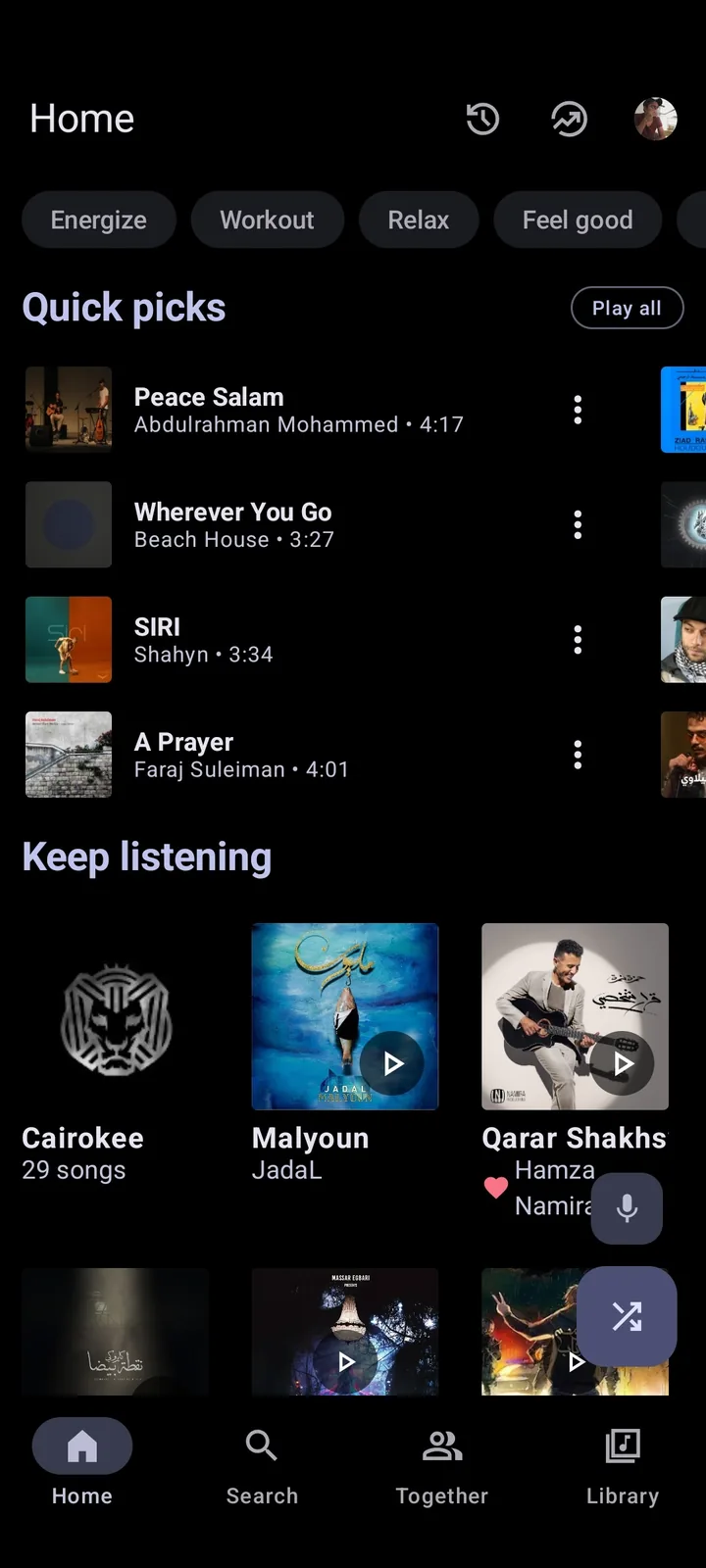
Check the repository owner, description, homepage, license, activity and release history together. The main repository is owned by MetrolistGroup, describes itself as a YouTube Music client for Android, uses GPL-3.0 and links to metrolist.cc. Its README includes project screenshots, feature documentation, community links and download choices.
- Repository: MetrolistGroup/Metrolist
- Package name: com.metrolist.music
- License: GNU GPL v3
- Primary platform: Android
- Current stable tag checked: v13.6.3
- Project site listed in repository: metrolist.cc
How to download Metrolist from GitHub Releases
Open the repository's Releases section and choose the newest stable release rather than a source-code archive. GitHub automatically adds “Source code (zip)” and “Source code (tar.gz)” to releases; those archives are for developers and are not installable Android apps. The usable Android files end in .apk.
For v13.6.3, the standard asset is Metrolist.apk. The latest-download URL can keep pointing to the standard filename as new releases appear, while a tag-specific URL remains fixed to one version. A fixed release URL is easier to audit; a latest URL is easier for returning users. This site's download flow shows the verified version and then redirects to the project asset.
- Open the main MetrolistGroup/Metrolist repository.
- Select Releases and verify that the entry is not marked Pre-release.
- Read the tag, publication date and any release notes.
- Expand Assets and choose an APK, not a source archive.
- Let Android install the APK only after confirming the GitHub host and filename.
Metrolist APK variants explained
The build names reflect product flavors in the Android project. The standard FOSS flavor has the built-in updater and excludes Google Cast. The GMS flavor includes Cast and the updater. The Izzy flavor excludes Cast and disables the updater, making it the project's stated IzzyOnDroid-compliant build.
Do not choose a file because it looks more “premium.” All documented builds are free. Cast support is a dependency and feature choice, not an unlocked tier. For most Android users, the standard file offers the simplest baseline.
| Asset | Cast | In-app updater | Use case |
|---|---|---|---|
| Metrolist.apk | No | Yes | Recommended standard Android build |
| Metrolist-with-Google-Cast.apk | Yes | Yes | Users who need supported Cast playback |
| Metrolist-izzy.apk | No | No | IzzyOnDroid repository workflow |
| Source code zip/tar.gz | Not applicable | Not applicable | Developers; not installable APKs |
What developers can verify in the source
The Android build configuration exposes useful release facts: base application ID, minimum and target Android SDK, version name, version code, supported ABI filters and build flavors. At v13.6.3, the configuration uses application ID com.metrolist.music, minimum SDK 26 and ARM64 plus ARMv7 filters.
A full security audit requires more than reading a README. Developers can inspect network modules, account handling, storage, update behavior and third-party dependencies; compare a tag with release changes; and build from source in a controlled environment. Ordinary users can still benefit from this transparency by confirming that claims are traceable to code and release history.
- Read build.gradle.kts for version, SDK and flavor facts.
- Inspect AndroidManifest.xml for declared components and permissions.
- Review commits between release tags.
- Search existing issues before opening a duplicate.
- Never post credentials, cookies or login tokens in an issue.
Maintenance mode, issues and community reports
The README currently labels Metrolist as being in maintenance mode. It defines that state as bug fixes and minor improvements instead of new major features and explicitly says the app is not dead. That wording is more reliable than an old Reddit thread claiming the project has stopped.
Before reporting a problem, update to the latest stable release, reproduce it with a different song or network and remove sensitive data from screenshots. Include Android version, Metrolist version, build variant and exact steps. For common fixes, start with the Metrolist troubleshooting guide.

Audit Metrolist GitHub activity and reports
The Metrolist GitHub activity page is useful only when read in context. A recent commit does not guarantee that an APK was released, and an old issue does not prove the current version still has the same defect. Check the stable release date, commits after that tag, open issues with current reproductions and maintainer responses together. GitHub labels, pinned discussions and release notes can distinguish a confirmed regression from a device-specific report.
When you report a problem on Metrolist GitHub, search with the error text and affected feature before opening a new issue. Reproduce the fault on the latest stable APK, record Android version and build variant, and state whether it happens signed out. Add short, non-sensitive logs only when the repository template requests them. Never upload account cookies, tokens, private playlist URLs or copyrighted offline files. A small reproducible report is easier to verify than a long complaint containing several unrelated failures.
Developers comparing a fork with Metrolist GitHub should inspect the fork point and changes, not just stars or screenshots. Check whether the fork publishes signed releases, whether its application ID differs, how it handles updates and whether upstream security fixes are merged. A fork may add useful features, but installing it changes the maintainer and release trust chain. Keep a playlist backup and do not install one signature over another without understanding Android's update rules.
For long-term verification, bookmark Metrolist GitHub rather than a single asset URL. The Releases page shows which files belong to a tag, while the source tree shows what was documented and changed. If a download page claims a newer version than Metrolist GitHub lists, wait for the official tag. If GitHub is temporarily unavailable, do not substitute an unknown mirror merely to obtain the same filename.
Verify a Metrolist GitHub release before downloading
For v13.6.3, check the tag, publication date, asset filename and final github.com host together. The three verified APK sizes are listed above so a mirror or stale page can be spotted quickly.
GitHub's Source code ZIP and TAR files are source archives, not installable APKs. If another page claims a newer build than the MetrolistGroup release page, wait for the official tag instead of treating the filename as proof.
- Open the MetrolistGroup/Metrolist release tag.
- Expand Assets and compare filename and byte size.
- Check that the final download remains on github.com before installing.
Metrolist GitHub FAQ
What is the official Metrolist GitHub?
The main repository is github.com/MetrolistGroup/Metrolist.
Which GitHub file installs Metrolist?
Choose one of the .apk assets. Source code zip and tar.gz files are not installable Android apps.
Which APK should I download?
Most users should choose Metrolist.apk. Use the Cast build for Google Cast or the Izzy build for IzzyOnDroid update management.
Is Metrolist still maintained?
The project is in maintenance mode for fixes and minor improvements and says it is not dead.
Can I build Metrolist from source?
Yes, the GPL source and Gradle project are public, but building requires Android development tools and careful dependency review.
Are GitHub forks official?
No. A fork or inspired project has separate maintainers and releases unless the main project explicitly adopts it.
How do I verify a Metrolist GitHub APK?
Open the MetrolistGroup/Metrolist release, check tag v13.6.3, expand Assets, compare the filename and byte size, and confirm the final host is github.com.